

The family dashboard is your mobile-first hub for managing your children’s attendance at their facility. It shows real-time sign-in status, lets you sign children in and out, and gives you access to attendance history and guardian management.Documentation Index
Fetch the complete documentation index at: https://readyrule.com/docs/llms.txt
Use this file to discover all available pages before exploring further.
Quick start
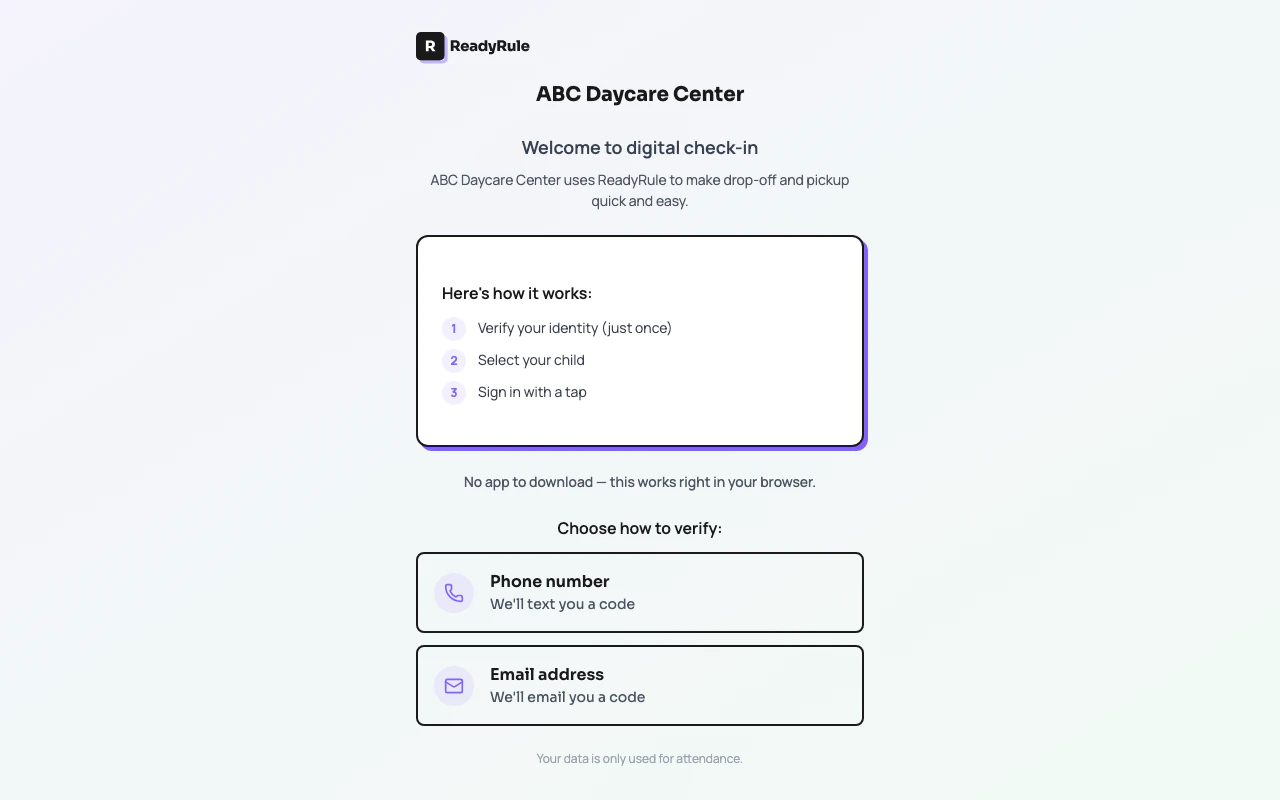
Open the family dashboard
Visit the link your facility shared (e.g.,
readyrule.com/family/013423682). If you have a custom URL, it may look like readyrule.com/family/sunshine-daycare.Log in or verify your phone
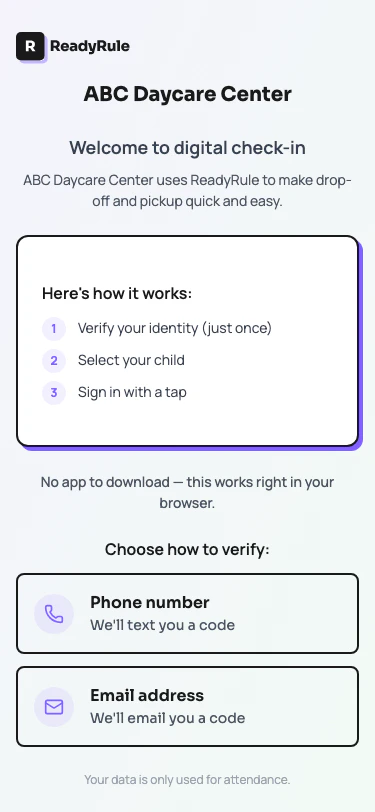
First-time users enter their phone number and verify with a one-time code. Returning users are recognized automatically.
What you see
The dashboard displays:- Facility name and logo at the top
- Your children with real-time status (signed in, signed out)
- Sign-in and sign-out buttons with large touch targets (optimized for mobile)
- Pull-to-refresh — swipe down to update statuses
- Guardian management — view and manage authorized adults linked to your children
- Attendance history — review past sign-in and sign-out records
Signing children in and out
Tap a child’s card to toggle their attendance status. The dashboard confirms the action with a visual indicator and timestamp. Status updates are instant and visible to the facility administrator.Guardian management
From the dashboard, you can view the list of authorized guardians linked to your children. This shows who has permission to pick up each child. Contact the facility administrator to add or remove guardians.Troubleshooting
Facility not found
Facility not found
Double-check the link or scan the QR code again. The facility number in the URL must match an active ReadyRule facility.
Children not showing up
Children not showing up
Your phone number must match what the facility has on file for you as an authorized adult. Contact the facility to verify your contact information.