

Your facility displays a QR code at the entrance. Scanning it with your phone opens a sign-in page where you can check your children in or out in seconds.Documentation Index
Fetch the complete documentation index at: https://readyrule.com/docs/llms.txt
Use this file to discover all available pages before exploring further.
Quick start
Scan the QR code
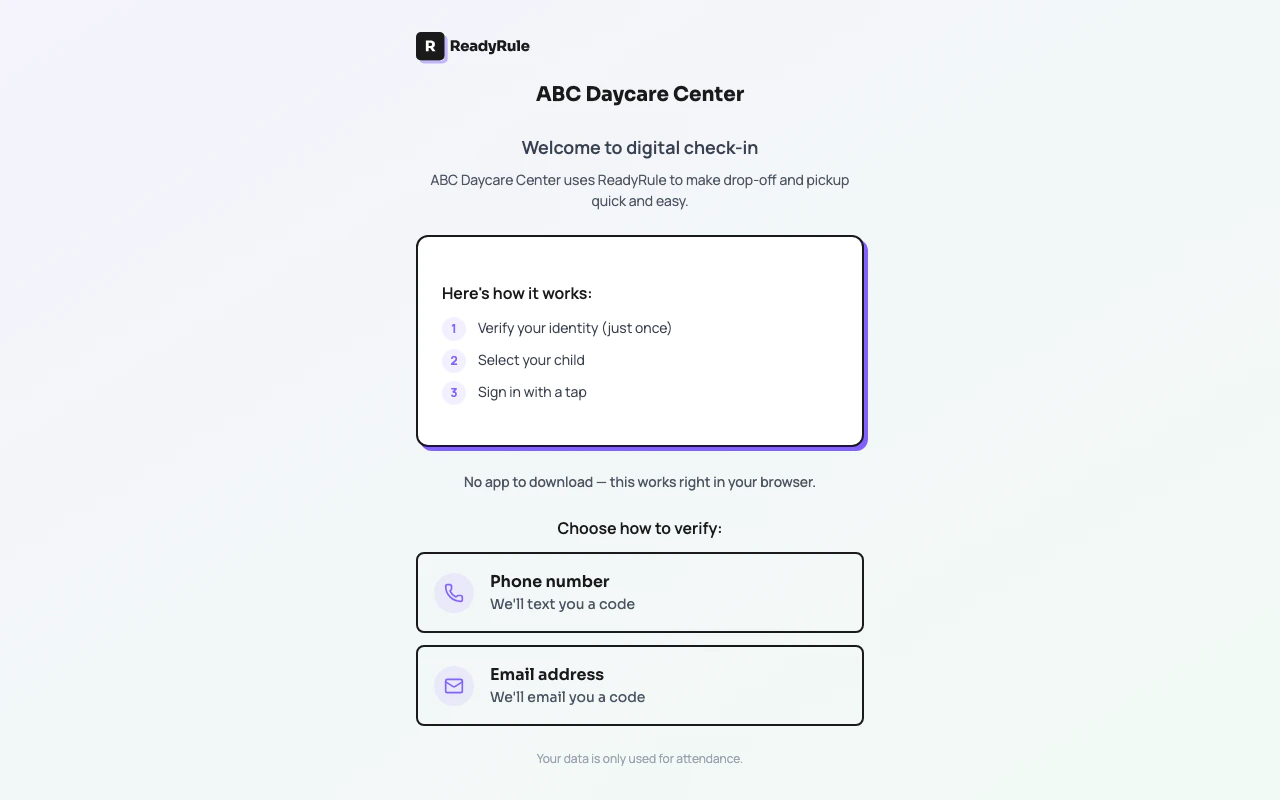
Use your phone’s camera to scan the QR code posted at the facility entrance. It opens a page like
readyrule.com/go/sunshine-daycare or readyrule.com/go/013423682.Verify your identity
First time: Enter your phone number and verify it with a one-time code sent via SMS.
Returning: The system recognizes you automatically. You go straight to your children.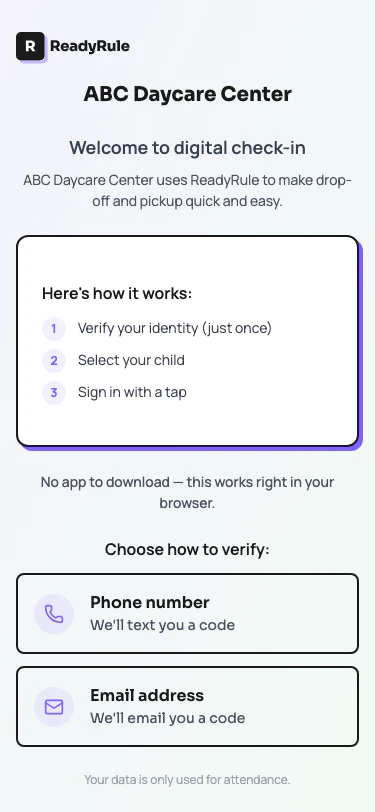
How it works
The QR code encodes your facility’s unique sign-in URL. When you scan it:- ReadyRule resolves the facility from the URL (supports both numeric IDs and custom slugs)
- If you are a recognized parent, your linked children load automatically
- You tap to sign in or sign out each child
- The facility sees the update in real time on their attendance log
Install as an app
After scanning, your phone may prompt you to install ReadyRule as a home screen app. This gives you:- Quick access without scanning the QR code each time
- App-like full-screen experience
- Push notification support (when enabled by the facility)
Troubleshooting
Facility not found after scanning
Facility not found after scanning
The QR code may be outdated or damaged. Ask the facility staff to verify the QR code is current. Try scanning again in good lighting.
Phone number not recognized
Phone number not recognized
Your phone number must match what the facility has on file. Contact the facility to update your authorized adult record with the correct phone number.
OTP code not arriving
OTP code not arriving
Check your SMS inbox and spam filters. The code is sent immediately. If it does not arrive within 60 seconds, request a new code.