

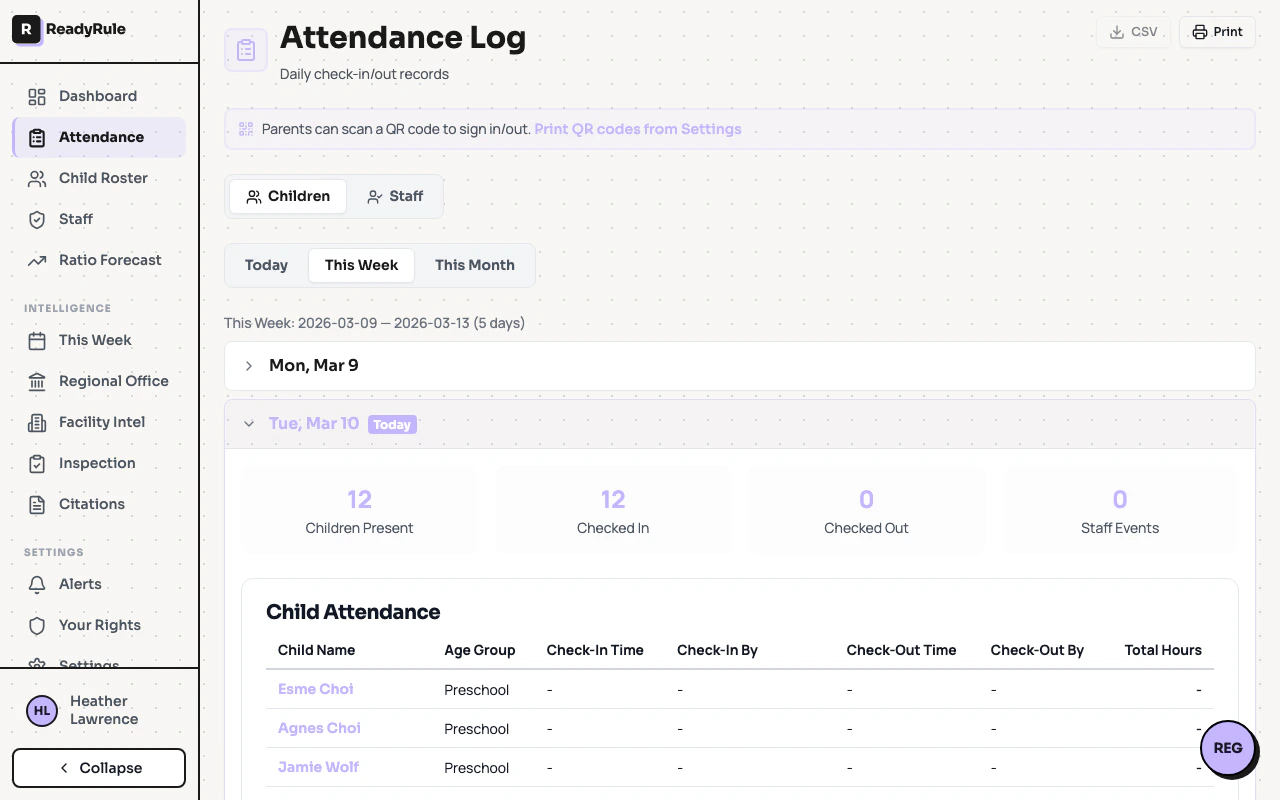
Attendance reports give you detailed views of daily sign-ins, date-range summaries, override audit logs, child attendance history, and bulk data exports. ReadyRule stores attendance records for 3 years.Documentation Index
Fetch the complete documentation index at: https://readyrule.com/docs/llms.txt
Use this file to discover all available pages before exploring further.
Quick start
Open attendance reports
Navigate to Attendance Reports from the sidebar. The daily report for today loads by default.
Select a report type
Use the report type selector at the top to switch between Daily, Range, Audit Log, Child History, Continuous Log, or Export Records.
Report types
Daily report — View all check-ins and check-outs for a single date. Change the date using the date picker. You can click any child’s name to jump to their full attendance history. Use Add Entry to backfill a missed sign-in. Range summary — Set a start and end date to see aggregated metrics: total operating days, average daily attendance, total sign-ins, overrides, and override rate. A compliance certificate is generated automatically below the summary. Override audit log — Lists all pickup overrides within the selected date range, including the reason, staff member who recorded it, and whether supervisor approval was given. Also includes a time-correction audit trail. Child history — View the full attendance record for a single child. Deep-link to a specific child using the URL hash#child=<id>.
Continuous log — A chronological feed of all attendance events across all children.
Export records — Download child attendance, staff attendance, or both as CSV files. Select child, staff, or both record types. Maximum export range is 1 year per request.