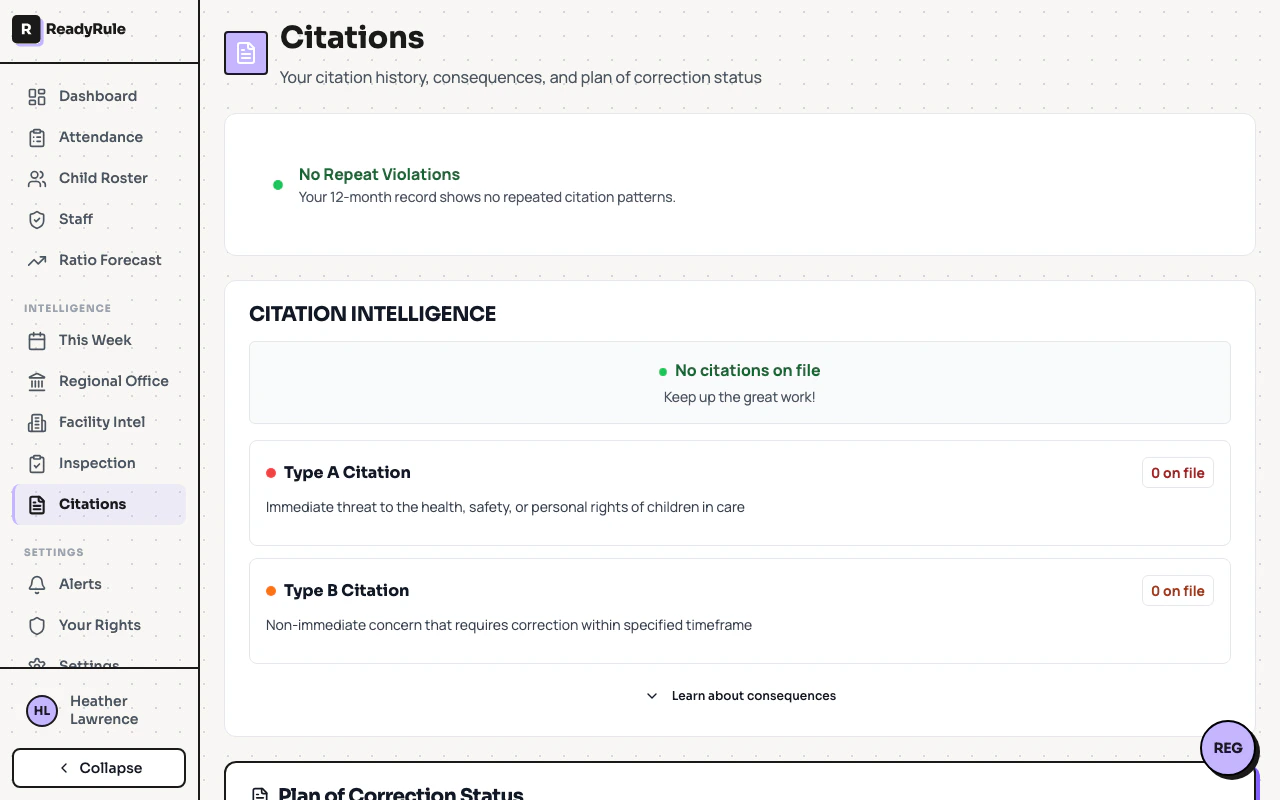
Regional office intelligence aggregates public CCLD data into a profile for each regional licensing office, giving you visibility into the inspection patterns that affect your facility.Documentation Index
Fetch the complete documentation index at: https://readyrule.com/docs/llms.txt
Use this file to discover all available pages before exploring further.
Quick start
Open your regional office page
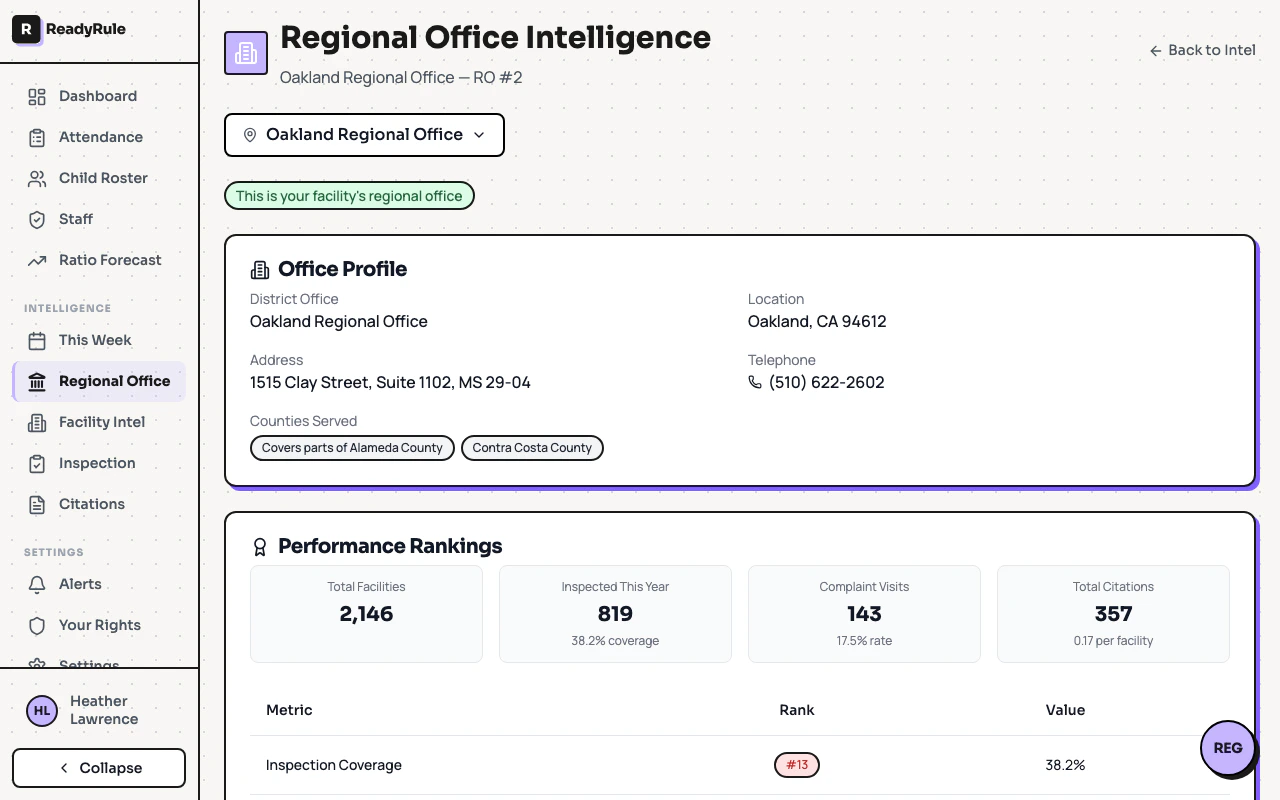
Navigate to Intel from the sidebar, then select your regional office. ReadyRule automatically highlights the office assigned to your facility.
Review performance rankings
Scroll to the rankings card to see how your office compares statewide on inspection coverage, complaint volume, and citation rate.
How it works
Each regional office page displays four sections built from 12 weeks of aggregated data: Office profile — Address, phone number, and the counties the office serves. Performance rankings — Key metrics including total facilities, inspection coverage percentage, complaint visit rate, and citations per facility. Each metric includes a statewide rank badge (green for top 5, orange for top 10, red for 11+). Visit activity — An area chart showing weekly visit volume over the past 12 weeks, with a breakdown by visit type (annual, complaint, follow-up). Citation analysis — A weekly trend chart for citations alongside a bar chart breaking down citations by type (Type A, Type B, etc.).