

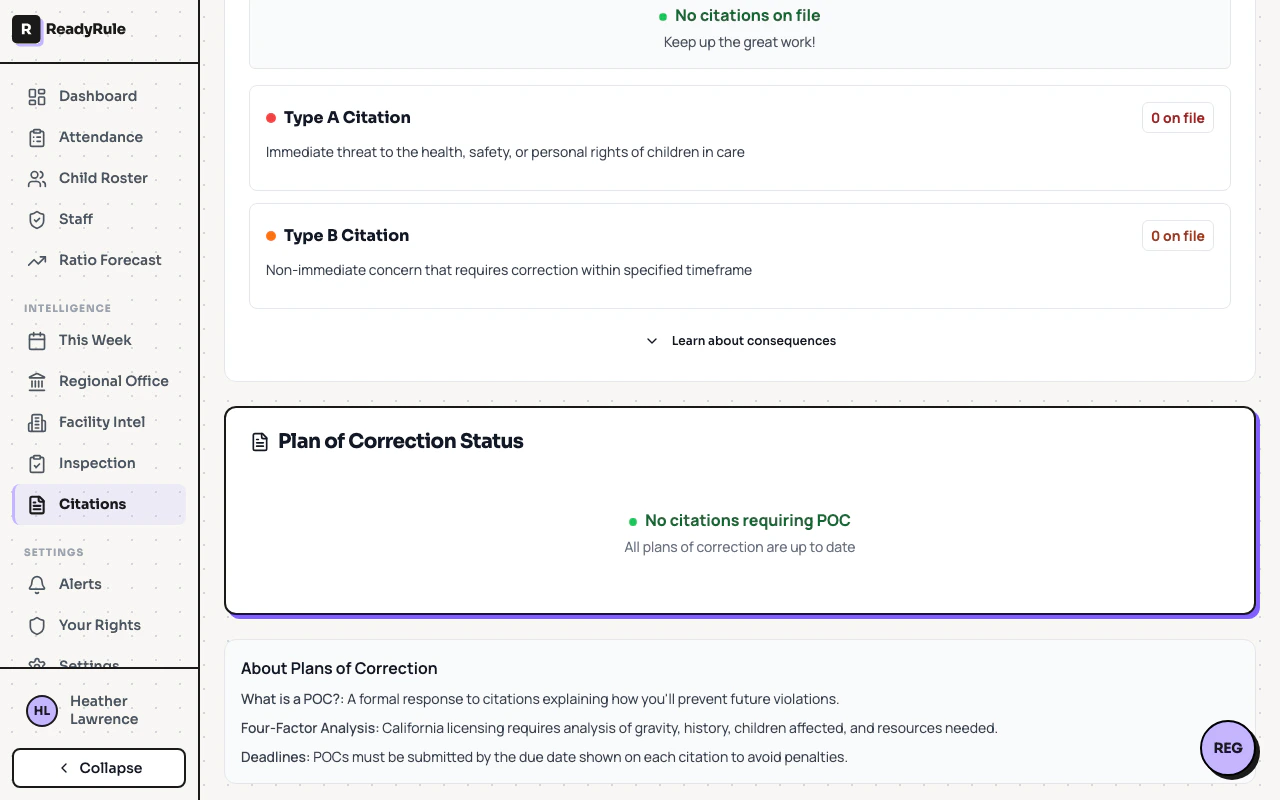
When your facility receives a citation from CCLD, you need to submit a Plan of Correction (POC). ReadyRule’s POC Generator guides you through the process step by step.Documentation Index
Fetch the complete documentation index at: https://readyrule.com/docs/llms.txt
Use this file to discover all available pages before exploring further.
Creating a POC
The 4-factor analysis
CCLD evaluates POCs based on four factors. The wizard guides you through each:1. Gravity of the violation
Answer questions about severity, immediate risk, and potential harm.2. History
The system checks your facility’s history for previous violations of the same regulation and correction patterns.3. Children affected
Specify how many children were affected, which age groups, and total enrollment for context.4. Available resources
Indicate staff availability, budget, need for external vendors, and realistic timeline.Template options
After the analysis, choose a template:| Template | Best for |
|---|---|
| Immediate correction | Already fixed, documenting what was done |
| Training-based | Staff knowledge or behavior issues |
| Equipment/facility | Physical environment issues |
| Policy update | Procedure or documentation gaps |
| Comprehensive | Complex issues requiring multiple actions |
Uploading evidence
Strong evidence improves your POC’s chances of approval:- Before/after photos for physical corrections
- Training sign-in sheets for staff training
- Updated policy documents for procedure changes
- Receipts for equipment purchases
Saving progress
Your POC saves automatically as you work. You can leave and resume from Citations > POC Drafts at any time.Common questions
Common questions
Can I edit a submitted POC? No. Contact your CCLD regional office to request changes.How long do I have to submit? Check your citation letter — typically 10 calendar days from the citation date.Can multiple staff work on the same POC? Yes. Anyone with admin access can edit POC drafts.