

When you receive a citation, ReadyRule creates a correction tracker that walks you through documenting each deficiency. You record what was corrected, when it was fixed, and upload photo evidence — then generate a LIC 9098 form ready for submission.Documentation Index
Fetch the complete documentation index at: https://readyrule.com/docs/llms.txt
Use this file to discover all available pages before exploring further.
Quick start
Open a POC draft
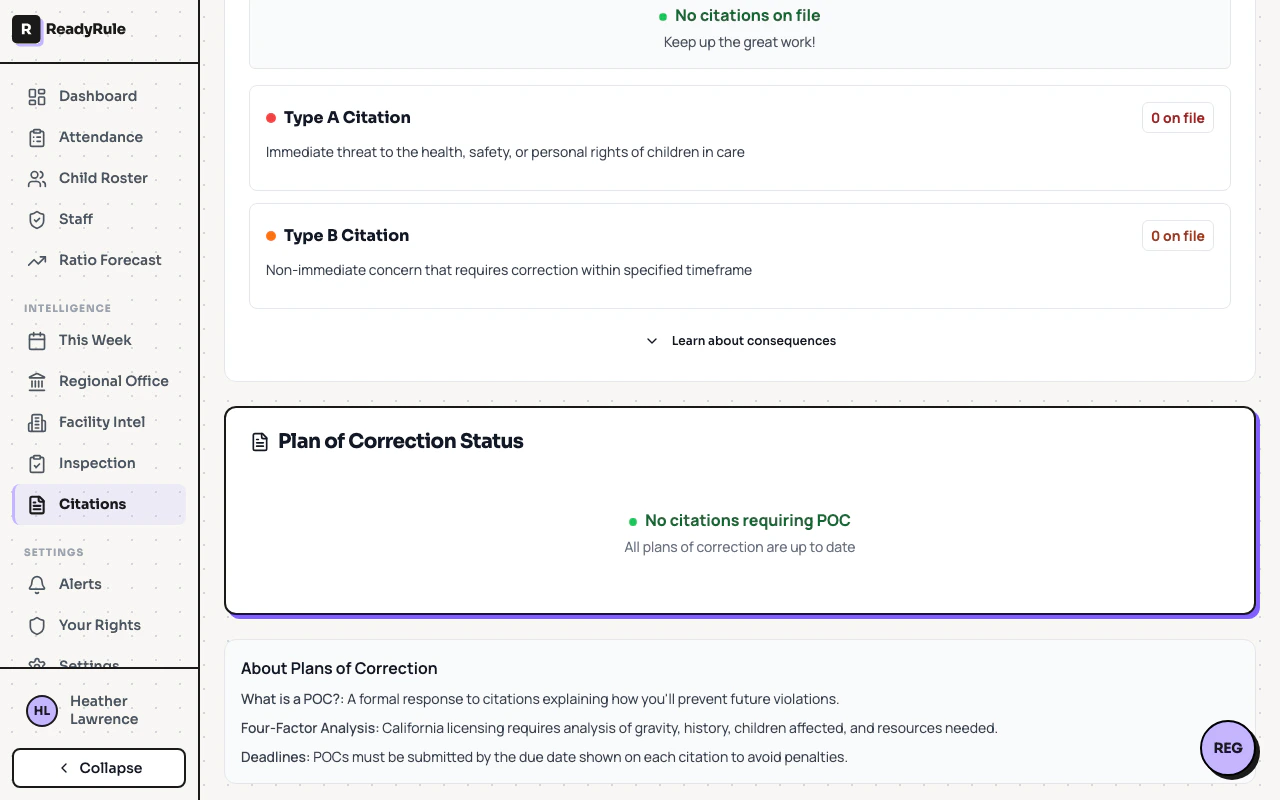
Go to Citations from the sidebar and select a citation. Click Start POC to create a draft, or open an existing draft from the list.
Complete each deficiency
For each deficiency listed, enter the date corrected and select a proof type. Your progress saves automatically as you work.
Upload evidence photos
Click the upload area on any deficiency card to attach photos. Accepted formats are JPEG, PNG, and WebP (max 2 MB per file, up to 10 per deficiency).
How it works
The correction tracker loads all deficiencies from your citation and displays them as individual cards. Each card tracks:- Date corrected — when the issue was resolved
- Proof type — the category of evidence (photo, document, training record, etc.)
- Evidence photos — uploaded images stored securely in encrypted storage