

Manage your facility settings from the Settings page. Here you configure your facility name, sign-in URLs, notification preferences, and safety thresholds.Documentation Index
Fetch the complete documentation index at: https://readyrule.com/docs/llms.txt
Use this file to discover all available pages before exploring further.
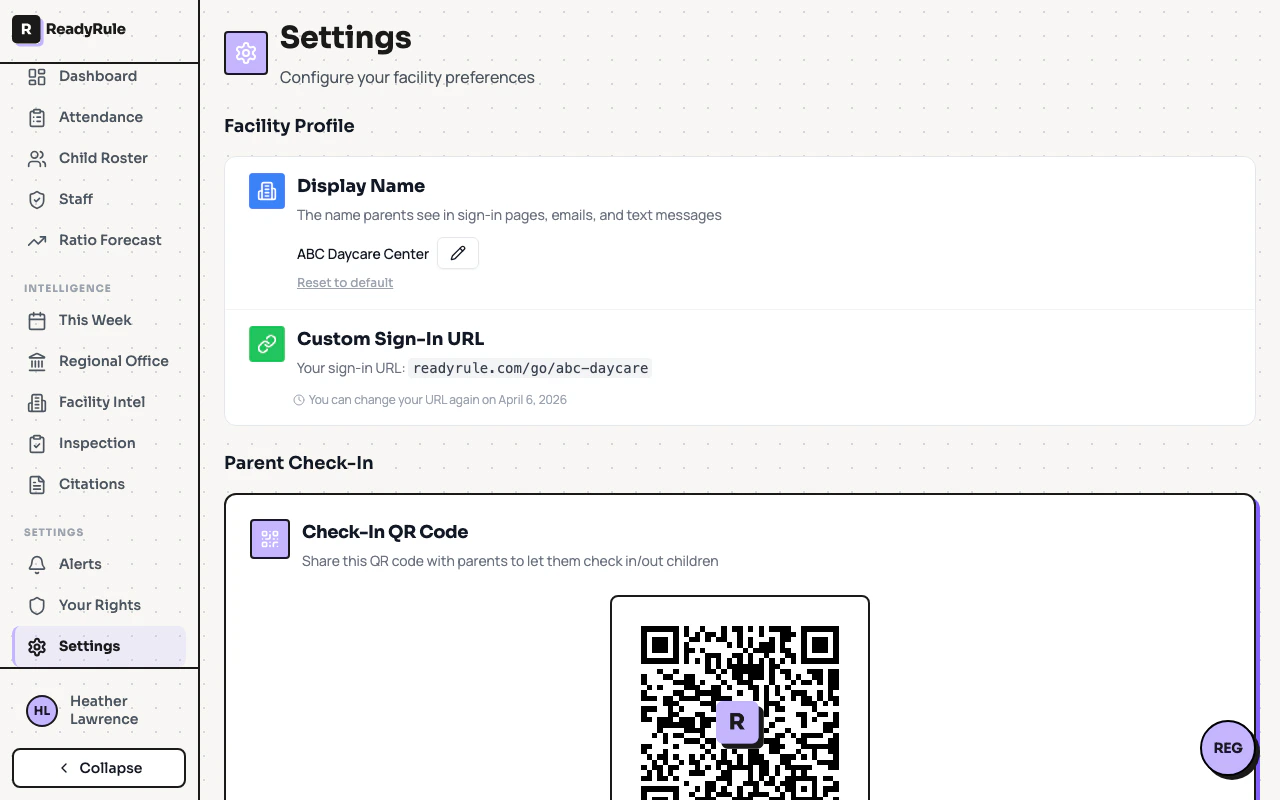
Display name
The display name is what parents see on sign-in pages, emails, and text messages. By default, ReadyRule uses the normalized name from your CCLD license record. To set a custom name, click the pencil icon next to the current name, type your preferred name (2-100 characters), and press Enter or click the checkmark. Click Reset to default to revert to the CCLD name.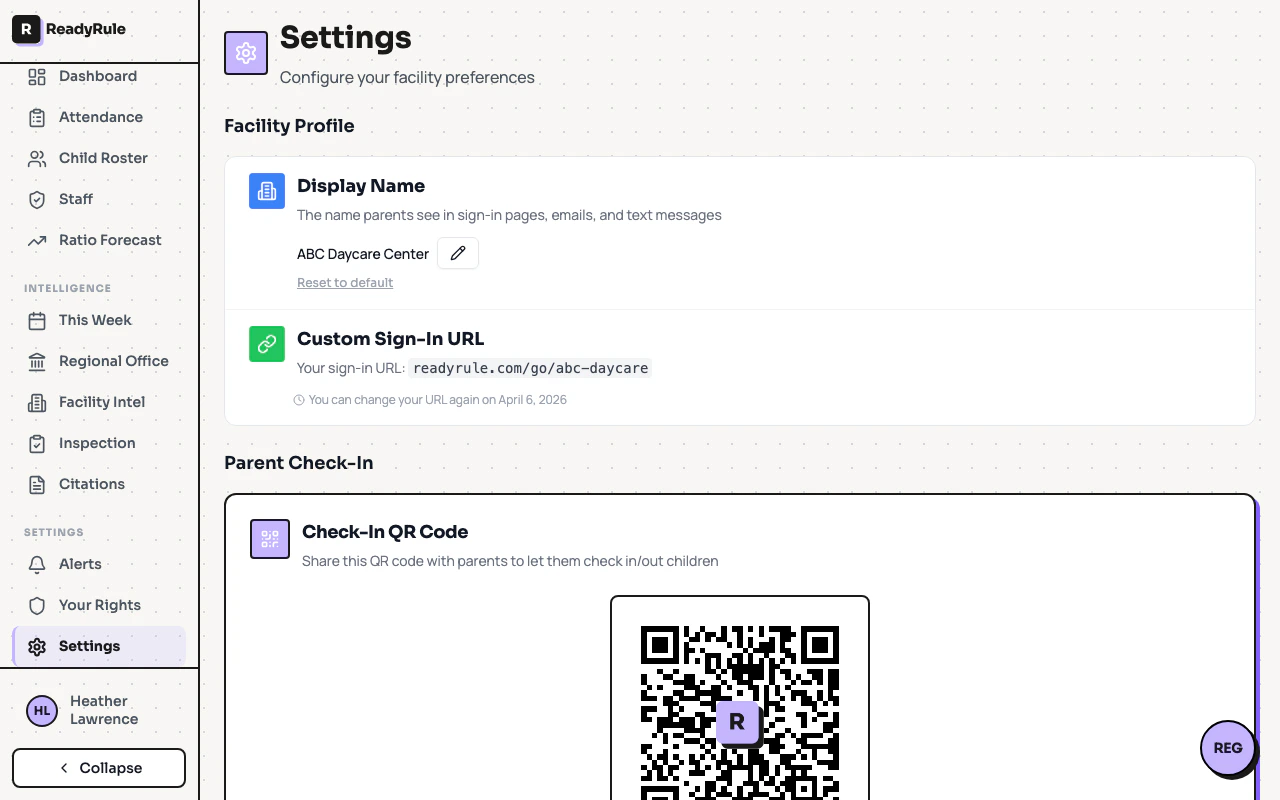
Custom sign-in URL
Create a memorable vanity URL for your facility sign-in page instead of the default numeric link. For example,readyrule.com/go/sunshine-daycare instead of readyrule.com/go/123456.
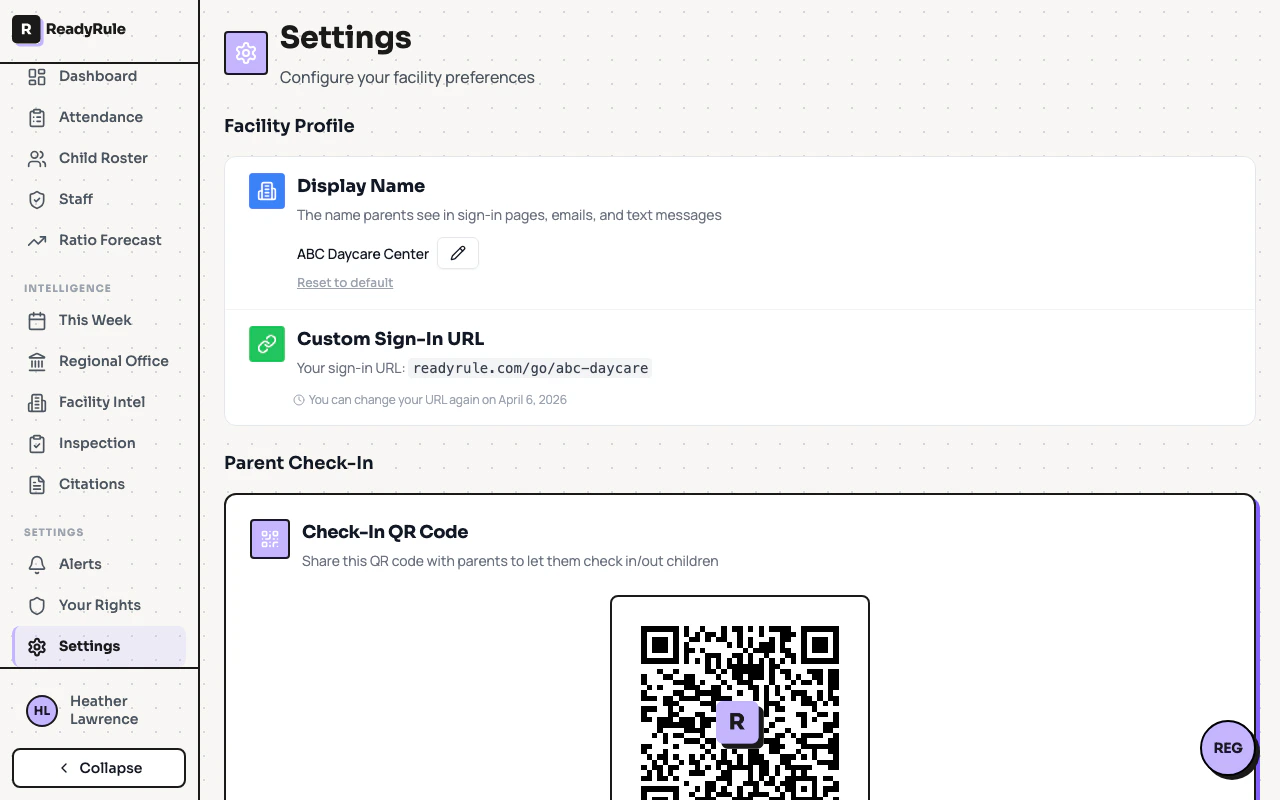
Parent check-in QR code
The parent check-in QR code lets parents scan with their phone camera to check children in or out. No app download is required. From this card you can:- Copy Link — copy the sign-in URL to your clipboard
- Download QR — save the QR code as a high-resolution PNG
- Print for Wall — generate a formatted poster with your facility name and scan instructions
Staff check-in QR code
The staff check-in QR code works the same way but is for staff clock-in, clock-out, and break tracking. Staff must be logged into ReadyRule to use it. You can copy, download, or print the staff QR code just like the parent version. The printed poster uses a distinct indigo color scheme so staff and parent codes are easy to tell apart.Late pickup warning
Set how far before closing time the dashboard starts highlighting children who are still present. Choose a threshold from the dropdown: 15 minutes, 30 minutes, 45 minutes, 1 hour, 1.5 hours, or 2 hours. The default is 30 minutes.How the warning threshold works
How the warning threshold works
ReadyRule compares the current time against your facility’s posted closing time. When the remaining time drops below your threshold, any children still checked in are highlighted on the dashboard. This gives you time to contact parents before closing.