

Photo verification adds a visual identity check during child pickup. Staff verify the adult’s photo before completing the handoff, reducing unauthorized pickup risk.Documentation Index
Fetch the complete documentation index at: https://readyrule.com/docs/llms.txt
Use this file to discover all available pages before exploring further.
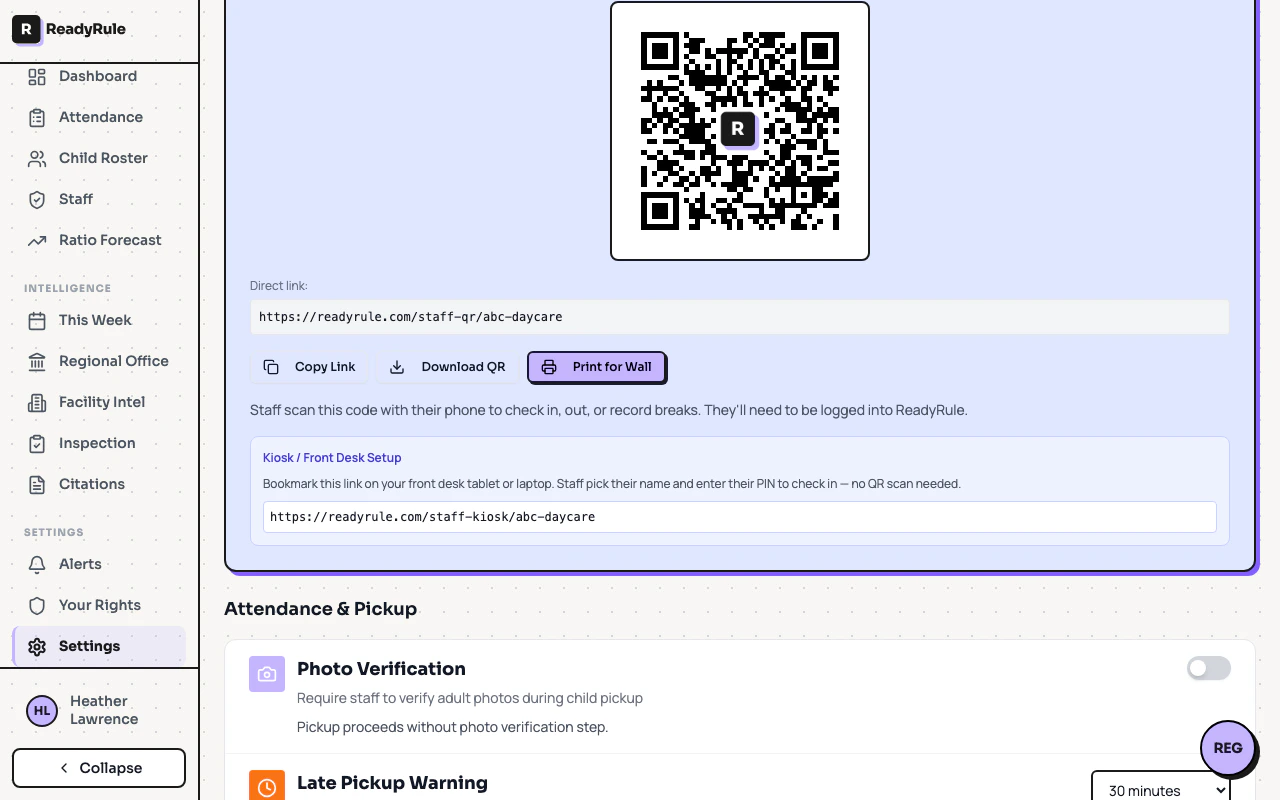
Setting up photo verification
How it works
When photo verification is enabled:- An authorized adult arrives for pickup
- Staff open the attendance screen and select the child
- The adult’s photo appears for visual confirmation
- Staff verify the person matches the photo
- Pickup is completed
Photo coverage
Track your facility’s photo coverage to measure adoption:| Coverage | Status | Action |
|---|---|---|
| 70%+ | Excellent | Maintain current coverage |
| 50-69% | Good | Continue encouraging uploads |
| Below 50% | Needs attention | Prioritize photo collection |
Collecting photos
Photos can be added by staff during registration or at any time from the child’s profile. Requirements:- Format: JPG, JPEG, PNG, WEBP, or HEIC
- Size: Under 5MB
- Content: Clear, recent face photo (well-lit, full face visible)
Privacy
- Photos are stored with encryption and only visible to authenticated staff
- Signed URLs expire after 1 hour
- Parents can request photo removal at any time
- Photo collection is optional
Handling parent concerns
Handling parent concerns
“Why do you need my photo?” — Photos help staff verify identity quickly during pickup, keeping your child safe.“Who can see it?” — Only staff at your facility. Photos are stored securely and not shared externally.“Can I refuse?” — Yes, photos are optional. Phone verification continues as the fallback method.